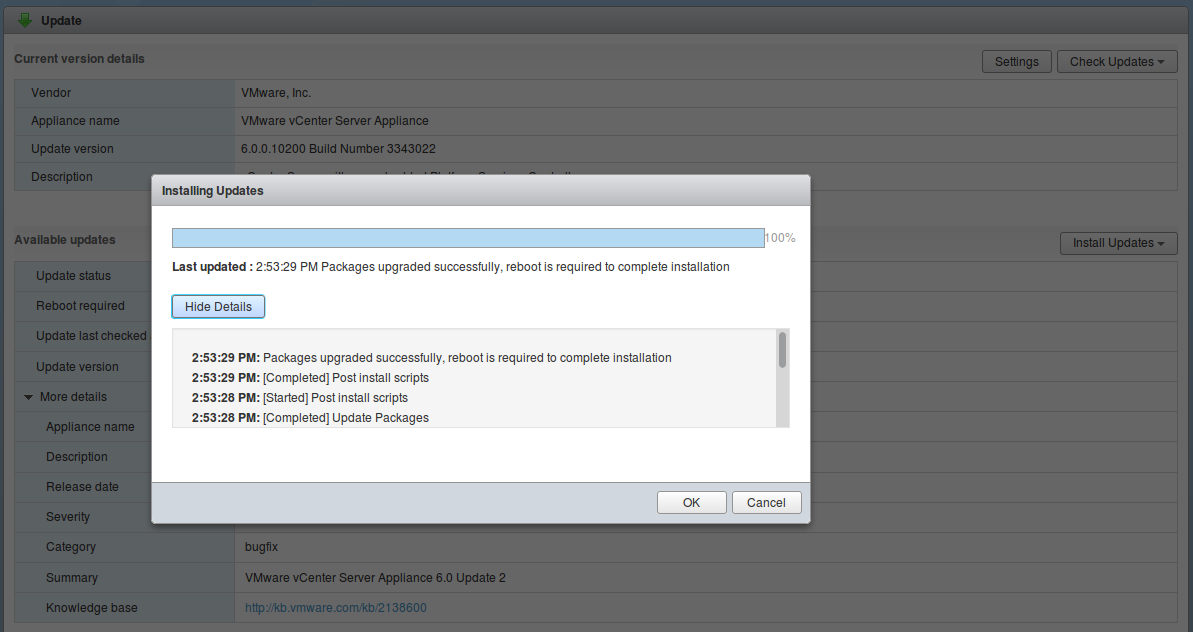
The online manual suggests that all you need do is mount (attach) the ISO onto the VCSA and then from the command line stage and install the patches:
# software-packages stage --iso
# software-packages install --staged
After mounting the ISO to VCSA the hurdle I encountered from the command line was that software-packages “command not found”. So I gave up on the command line and went back to the web GUI (very unlike me).
https://vcsa:5480From the web GUI under navigator, select Update, click the Check Updates button and choose CD-ROM. It then showed that updates were available and I then had an Install Updates button to get the updates delivered. This is a big ISO at 1.6GB so the update is going to take a while and then a reboot of VCSA is required.